
Choosing the right file format is one of the fastest ways to improve print quality. If you sell print-on-demand products, PNG, SVG, and JPG each have a different purpose—and using the wrong one can lead to blurry prints or bad transparency.
Below is a simple guide you can apply immediately.
Quick answer (30 seconds)
- Use PNG for most print-ready POD designs.
- Use SVG for logos or vector artwork that must scale.
- Use JPG for mockups and previews, not for transparent print files.
At-a-glance comparison
| Format | Best for | Biggest advantage | Main limitation |
|---|---|---|---|
| PNG | T-shirts, stickers, mugs, detailed graphics | Transparent background + strong print quality | Can pixelate if enlarged too much |
| SVG | Logos, typography, simple vector art | Infinite scalability | Not ideal for photo-style textured art |
| JPG | Mockups, blog images, social previews | Small file size, fast loading | No transparency, compression loss |
1) When to use PNG (most POD sellers start here)
PNG is the safest default for print-on-demand because it supports transparent backgrounds and works well in production workflows.
Best use cases
- T-shirt front graphics
- Sticker designs
- Mug/tote artwork
- Detailed raster illustrations
Checklist for PNG exports
- 300 DPI resolution
- Correct canvas size (example: 4500 × 5400 px for many shirt layouts)
- Transparent background when needed
2) When to use SVG
Use SVG if your design is vector-based and needs to scale cleanly at any size.
Great for
- Brand logos
- Text-only graphics
- Simple line artwork
- Cut-file style workflows
If your design has lots of texture/shadows/photo detail, PNG is usually the better choice.
3) When to use JPG
JPG is best for display images, not final transparent print files.
Use JPG for
- Product previews
- Blog visuals
- Lifestyle mockups
Tip: Keep your final print asset as PNG (or SVG where appropriate), then generate JPG copies for marketing visuals.
5-step pre-upload quality checklist
- Set your final print dimensions first.
- Keep artwork at 300 DPI.
- Use transparency where needed.
- Preview text/edges at 100% zoom.
- Check mockups before publishing the product.
Related resources
- Browse all designs in our shop
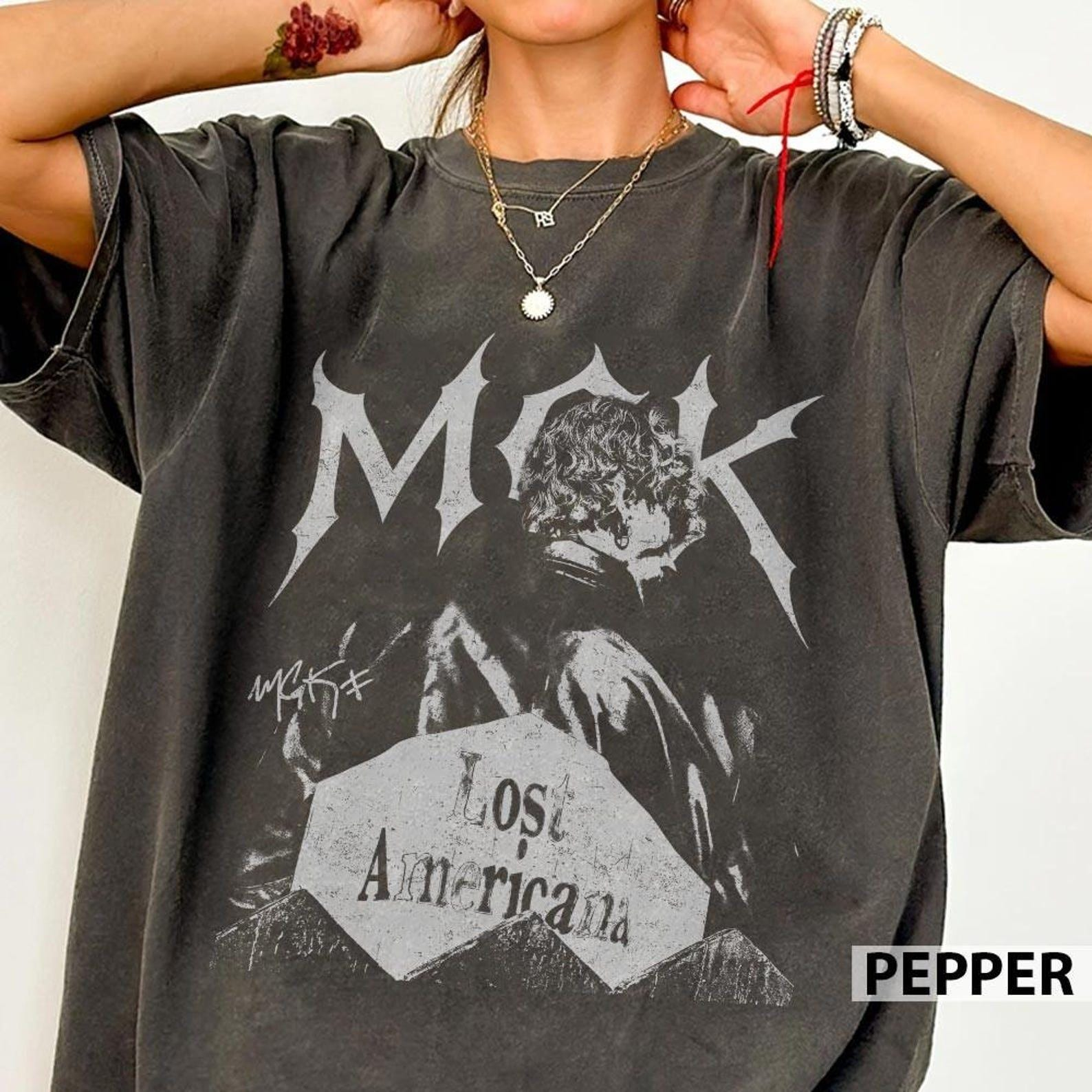
- MGK Lost Americana Tour design
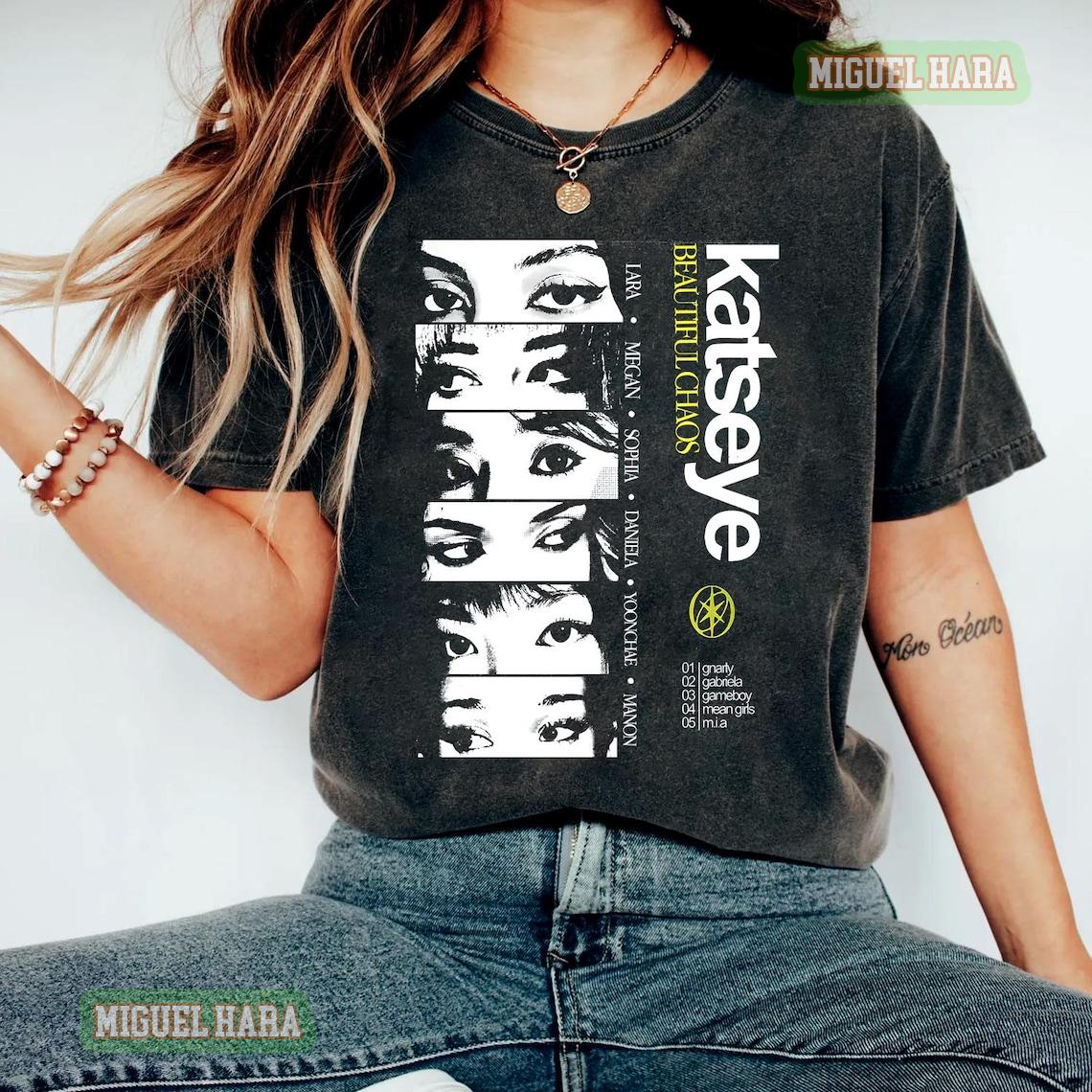
- Katseye Pop Retro PNG
- Country-style digital print
Final takeaway
For most POD stores, PNG is your default winner. Use SVG for scalable vector designs, and keep JPG for previews. This simple rule helps you reduce print issues and improve customer trust.